
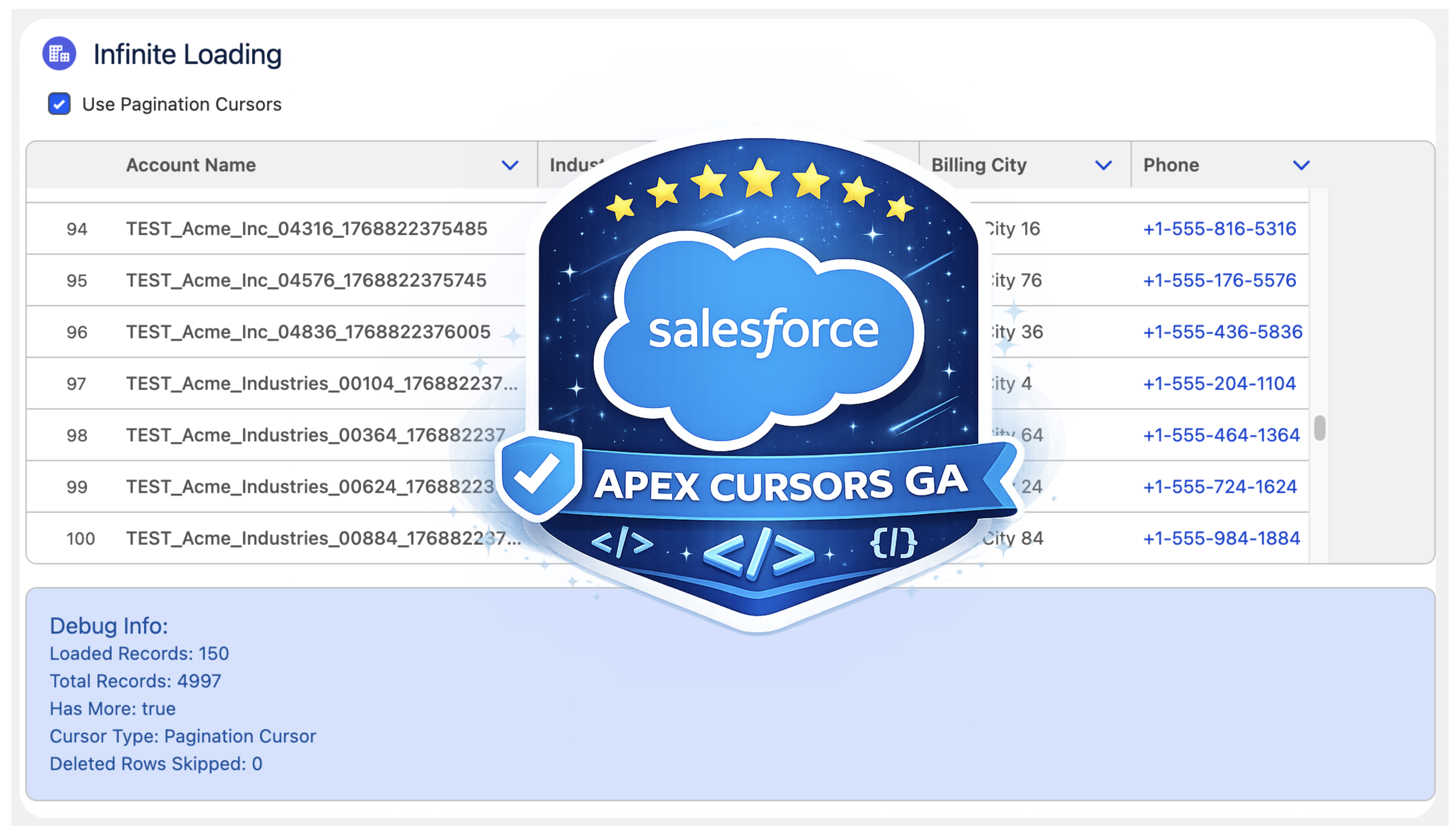
Last year, Salesforce launched the Beta of Apex Cursors, allowing you to traverse up to 50M records using SOQL-derived datasets – fast forward to the upcoming Spring ’26 release and it’s now GA! Since Beta, Salesforce has been busy introducing a whole new cursor type dedicated to UI use cases. In this blog, I will cover the new UI pagination cursor type and its differences from the standard cursors; included is an updated version of the sample I provided in last year’s blog – that allows you to use LWCs infinite scrolling component to explore both modes and try them out for yourself.
Why add a new pagination cursor type?
The beta experience was simple and effective but had some limitations and buried within it a corner case of additional complexity that was not great for UI use cases – there are three key differences:
- More Cursors per 24hrs. Standard cursors have a limit of 100k active cursors per 24-hour period; this is now 200k to cater to more active users. If this is not enough, see my further thoughts below.
- Deleted Record Handling. Perhaps more subtly, some UI helper logic that the standard cursor would otherwise leave to you is handled for you. This means that it would not always retrieve a full page of results in cases when records had been deleted after the cursor was created. If your logic was not paying attention to this, it could skip records unintentionally.
- Reduction in Total Records. Lastly, there is now a new row limit on pagination cursors of 100k records (down from 50m of standard cursors).
- Overall Total Records per 24hr Remains. Regardless of individual cursor row limits, both types of cursors share the same 100m 24hr limit. Read more about the limits and Apex limits methods here.
At first, it may seem like Salesforce has given with one hand and taken away with the other here… but it’s sometimes easy to forget we are also entrusting them to manage a shared service for us as well – it’s a balance. This statement from the docs is quite well framed:
"This higher instance limit supports many users accessing records lists that rely on smaller pagination cursors."
Are standard cursor types now not allowed for use in an UI?
I was also pleased to see that Salesforce has not blocked us from using ‘standard’ cursors in the UI – even making a GA fix to allow the Database.Cursor type to be serialized in LWC. So we do get to choose depending on the use case and cursor sharing strategy. As an architect, I appreciate the flexibility here from Salesforce; thank you!
Which should I use for my UIs?
I would recommend using pagination cursors for your UIs unless you have a good reason to go beyond the record limit of 100k. Also applicable to both types is the ability to consider if cursors can be shared between sessions/users via platform cache – thus helping to work within the 100k/200k active cursor limit if that applies to the size of your target users. On this last point, please pay attention to record-sharing requirements if you go down this path – I covered this a little further in my prior blog as well.
Using the new Pagination Cursor API
My previous blog covered the now ‘standard’ cursors API quite well and made a few tweaks in that blog as well to update it for GA – as such, I will not repeat further here. Instead, let’s dive into the pagination API – firstly, this is what the Apex Controller for the above LWC looks like:
    @AuraEnabled(cacheable=false)
    public static LoadMoreRecordsResult loadMoreRecordsWithPagination(Database.PaginationCursor paginationCursor, Integer start, Integer pageSize) {
        try {
            if(paginationCursor == null) {
                paginationCursor = Database.getPaginationCursor('SELECT Id, Name, Industry, Type, BillingCity, Phone FROM Account WHERE Name LIKE \'TEST%\' ORDER BY Name', AccessLevel.USER_MODE);
            }

            LoadMoreRecordsResult result = new LoadMoreRecordsResult();
            Database.CursorFetchResult fetchResult =
                paginationCursor.fetchPage(start, pageSize);
            result.paginationCursor = paginationCursor;
            result.records = fetchResult.getRecords();
            result.offset = fetchResult.getNextIndex();
            result.totalRecords = paginationCursor.getNumRecords();
            result.hasMore = result.offset < result.totalRecords;
            result.deletedRows = fetchResult.getNumDeletedRecords();
            return result;
        } catch (Exception e) {
            throw new AuraHandledException('Error loading records with pagination: ' + e.getMessage());
        }
    }

    public class LoadMoreRecordsResult {
        @AuraEnabled public Database.PaginationCursor paginationCursor;
        @AuraEnabled public List<Account> records;
        @AuraEnabled public Integer offset;
        @AuraEnabled public Boolean hasMore;
        @AuraEnabled public Integer totalRecords;
        @AuraEnabled public Integer deletedRows;
    }
The API design approach mostly follows parallel with standard cursors Apex API, but with the introduction of ‘Pagination‘ or ‘P‘ to distinguish new limits. There is, however, an additional type Database.CursorFetchResult (link); despite its name, it is only used by the pagination fetchPage method. This additional class helps encapsulate the logic that skips deleted records and thus ensures (albeit for the last page potentially) you always get a page full of data – nice!
If you’re curious or want to warn the user that records have been deleted since then, you have the ability to call the getNumDeletedRecords. Finally, watch out for the isDone method – I initially mapped this to the isDone of my client, and it stopped loading records. This is because the scope of the CursorFetchResult.isDone method is at the page level, not the overall cursor level – hence, this method is not used in the Apex code above – I just used the offset < total records calculation instead.
Here is what the corresponding LWC client controller looks like:
    async onLoadMoreRecords() {
        if(this.isLoading)
            return;
        this.isLoading = true;
        try {
            let result;
            result = await loadMoreRecordsWithPagination({
                paginationCursor: this.paginationCursor,
                start: this.offset,
                pageSize: 50
            });
            this.paginationCursor = result.paginationCursor;
            this.deletedRows = result.deletedRows || 0;
            this.records = [...this.records, ...result.records];
            this.offset = result.offset;
            this.hasMore = result.hasMore;
            this.totalRecords = result.totalRecords;
        } catch (error) {
            console.error('Error fetching next records:', error);
            this.error = error.body?.message || error.message || 'Unknown error occurred';
            this.hasMore = false;
        } finally {
            this.isLoading = false;
        }
    }
The controller above shows the above Apex controller method in use when the LWC lightning-datatable component reaches out for more records to load. As you can see, Database.PaginationCursor (and now Database.Cursor) is serializable via Aura serialization and thus permits the LWC to manage the scope and state of the cursor:
Summary
In summary, I am glad to have such an architectural primitive supported on the Salesforce Platform and appreciative of the design here that supports two different modalities, indicating a good understanding of the general use cases. Yes, it has its limits, but then, as I mentioned above, we trust Salesforce to give us innovation and manage the shared resources—often both don’t balance out in what we think is to our favor at times—and in those times, we can respond with new ideas, feedback supported by those ideas—those are the most powerful ways to make change. Certainly in this case, given the Trailblazer group community feedback, I see that happening between Beta and GA for this offering—so well done product and engineering team! Thank you!
Useful Resources:
- Infinite Data Scrolling with Apex Cursors Beta (useful reference to ‘standard’ cursors)
- Infinite Data Scrolling Demo Code
- Apex Cursors Documentation
 Andy in the Cloud