
As covered in my last blog, from Summer’26, user mode by default is now with us in Apex, and that’s a good thing—well, depending on how much you’ve been historically paying attention to security in your code. If your wondering what I mean by that check out my last blog first. User mode is enabled by default from API 67.0, this also applies to test code – which is likely to start throw failures you’ve not seen before – and thats also a good thing!
This blog covers both new and old considerations for how to best test a vital part of your Apex and Permission Sets using Apex tests. Instead of a sample app attached to this blog, I have included an agent skill that goes into a little more detail for you and your coding AI buddy to pour over!
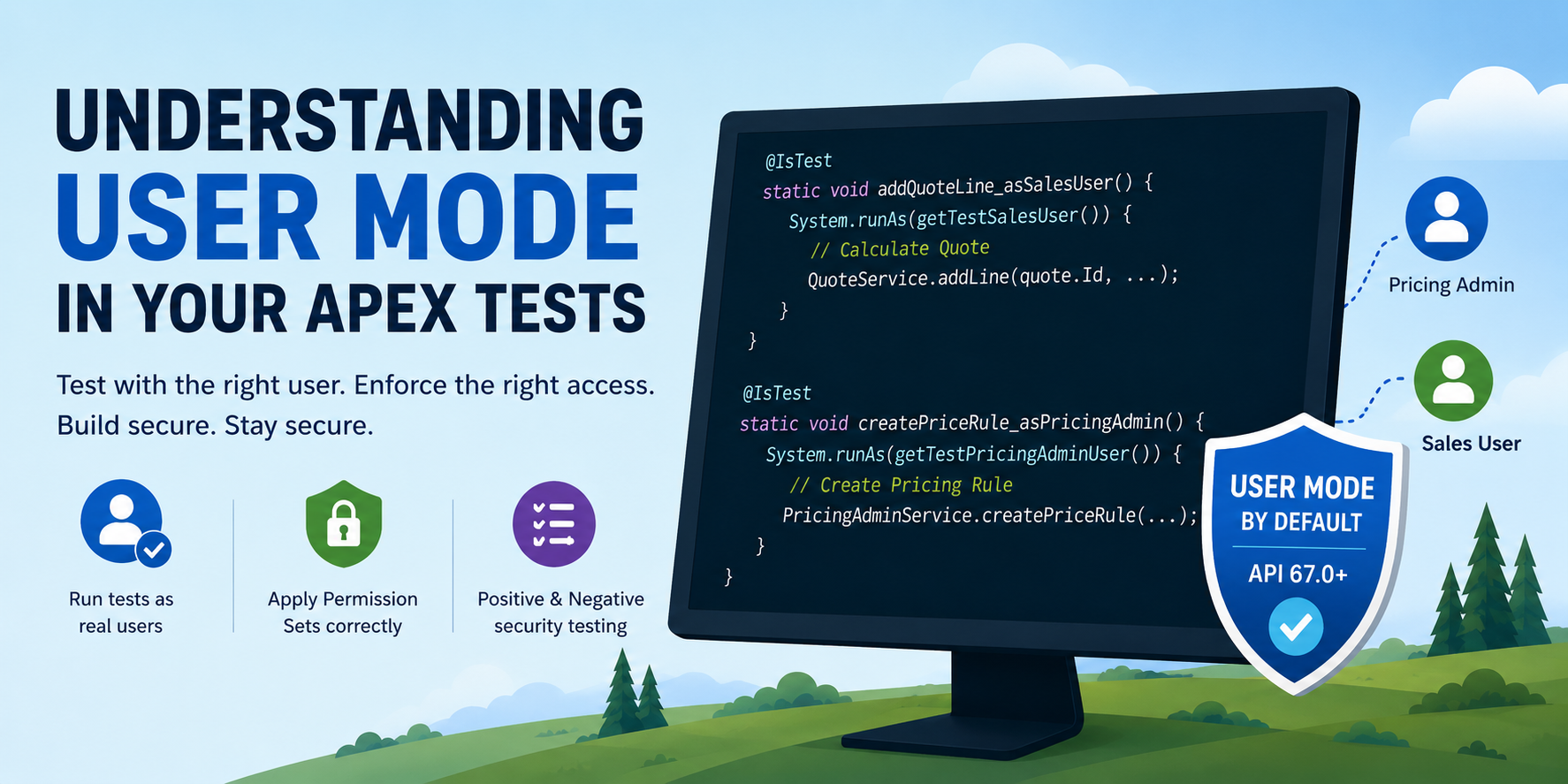
By default, your tests will run as the user executing them, and this time in user mode, that user’s accessible objects, fields, and records will be applied to the code being tested. This is not ideal for isolation or testing different security aspects of your code. As such, it is even more important to ensure that you understand what System.runAs is and how to use it in your tests to test and apply your Permission Sets correctly. As an alternative, you can also address this by adding more permissions to whatever user runs your tests until things return to normal—but you’re really hitting a significant security testing anti-pattern if you do!
As mentioned in my earlier blog, before you worry about how and where you enforce security in your Apex code, and even before considering what your Apex tests are and are not testing with security, you need to think about how you define what security looks like to your admins. Specifically, what type of user (persona/role) is expected to manage X and Y, but not Z data?
As an example, if you had a quote calculation engine, you might have users that manage pricing data and quote discount rules who can create and edit such information, in contrast to users who simply consume that information when generating quotes. This would amount to two separate permission sets: “Pricing Admin” and “Pricing Consumer.” In your Apex code, you enforce security, but in your test code, you want to test your two permission sets as well. You can do this by creating a user in your test setup that is dynamically assigned the appropriate permission set, then using System.runAs to wrap your test data creation (accordingly) and your test execution.
Here is a sudo code example of such as test:
@testSetup
static void setup() {

    createStandardUserWithPermissionSet(
            'QuoteApp_PricingAdmin', PRICING_ADMIN_LASTNAME, PRICING_ADMIN_EMAIL);
    createStandardUserWithPermissionSet(
            'QuoteApp_SalesUser', SALES_USER_LASTNAME, SALES_USER_EMAIL);

    System.runAs(getTestPricingAdminUser()) {
        // Central pricing data only the admin persona can maintain
        insert new PriceConfig__c(/* required fields */);
        insert new PriceRule__c(/* required fields */);
    }

    System.runAs(getTestSalesUser()) {
        // Transactional records the sales user creates (can read price config/rules, not edit them)
        insert new Quote__c(OwnerId = salesUser.Id, /* ... */);
        insert new QuoteLine__c(/* ... */);
    }
}

@IsTest
static void addQuoteLine_asSalesUser() {
    System.runAs(getTestSalesUser()) {
        // Given : Query Quote created by Sales User
        Quote__c quote = [SELECT Id FROM Quote__c WHERE OwnerId = :salesUser.Id LIMIT 1];
        // When: Calculate Quote
        Test.startTest();
        QuoteService.addLine(quote.Id, /* product, qty, etc. */);
        Test.stopTest();
        // Then: Query Quote line calculated
        QuoteLine__c line =
            [SELECT Id, UnitPrice__c FROM QuoteLine__c WHERE Quote__c = :quote.Id LIMIT 1];
        System.assertNotEquals(null, line.UnitPrice__c, 'Line should be priced using readable config/rules');
    }
}

@IsTest
static void createPriceRule_asPricingAdmin() {
    System.runAs(getTestPricingAdminUser()) {
        // When : Creating a pricing rule
        Test.startTest();
        Id ruleId = PricingAdminService.createPriceRule(new PriceRule__c(/* ... */));
        Test.stopTest();
        // Then: Pricing rule successfully created
        System.assertNotEquals(null, ruleId);
    }
}
One important aspect that can often be overlooked is negative security testing, which is crucial for ensuring that your permission sets remain lean and focused. In this case, the following test verifies that the Sales User permission set does not grant access to creating pricing rules:
@IsTest
static void createPriceRule_deniedForSalesUser() {
    User salesUser = getTestSalesUser();
    // Given: Sales user
    System.runAs(salesUser) {
        Test.startTest();
        try {
            // When: Attempting to create pricing rule
            PricingAdminService.createPriceRule(new PriceRule__c(/* ... */));
            System.assert(false, 'Expected a security or access failure');
        } catch (Exception e) {
            // Then: Security enforced / also see DMLException methods
            System.assert(
                e.getMessage().toLowerCase().contains('insufficient')
                || e.getMessage().toLowerCase().contains('access'),
                'Unexpected: ' + e.getMessage()
            );
        }
        Test.stopTest();
    }
}
The above example present a scenario where you have enough functional variety and types/roles/personas of users in your solution that it warrants you breaking things up in a more granular way into several permission sets. If this is not the case you will still want to cover access to your code through a permission set and apply the same patterns. Finally, you might also want to consider writing some tests that assert no general user access is possible to objects/fields accessed by use of system mode – e.g. confirming neither permission set allows writes to a log objects.
If you are interested in exploring this further yourself – rather than a sample application this time I thought I would share an agent skill that covers this blog and goes a bit deeper into the utility methods shown above. Have fun!
 Andy in the Cloud