

Hello everyone! It’s been a little while since I last added a blog, and today is an exciting day. This post covers some personal news about a new chapter in my life, an update to one of my oldest tools, and a reflection on object-oriented programming that I recently encountered and wanted to share.
New Location and New Role
I am excited to share that after nearly 8 years in the USA, my family and I are back in the UK, and wow, did we choose a great time of year with some fantastic weather recently. With a new location comes a new role as well. I am thrilled to continue at Heroku within Salesforce, but this time in the role of VP, Developer Advocacy. As you can see from the picture, it’s not without the influence of one of my other fond pastimes! Warning: some craggle was involved!

In my new role, I’ll be engaging with the developer community, focusing on Heroku and, depending on the audience, how Heroku applies to the rest of the Salesforce portfolio as well. I am thrilled to return to coding, which brings me to my next topic! I’ve been working on an update to the long-standing Salesforce GitHub Deployment Tool, which has been dutifully hosted on Heroku and serving the community’s deployment requests since 2013. After a bit more testing, I will be releasing it later this month.

Upgrading older code

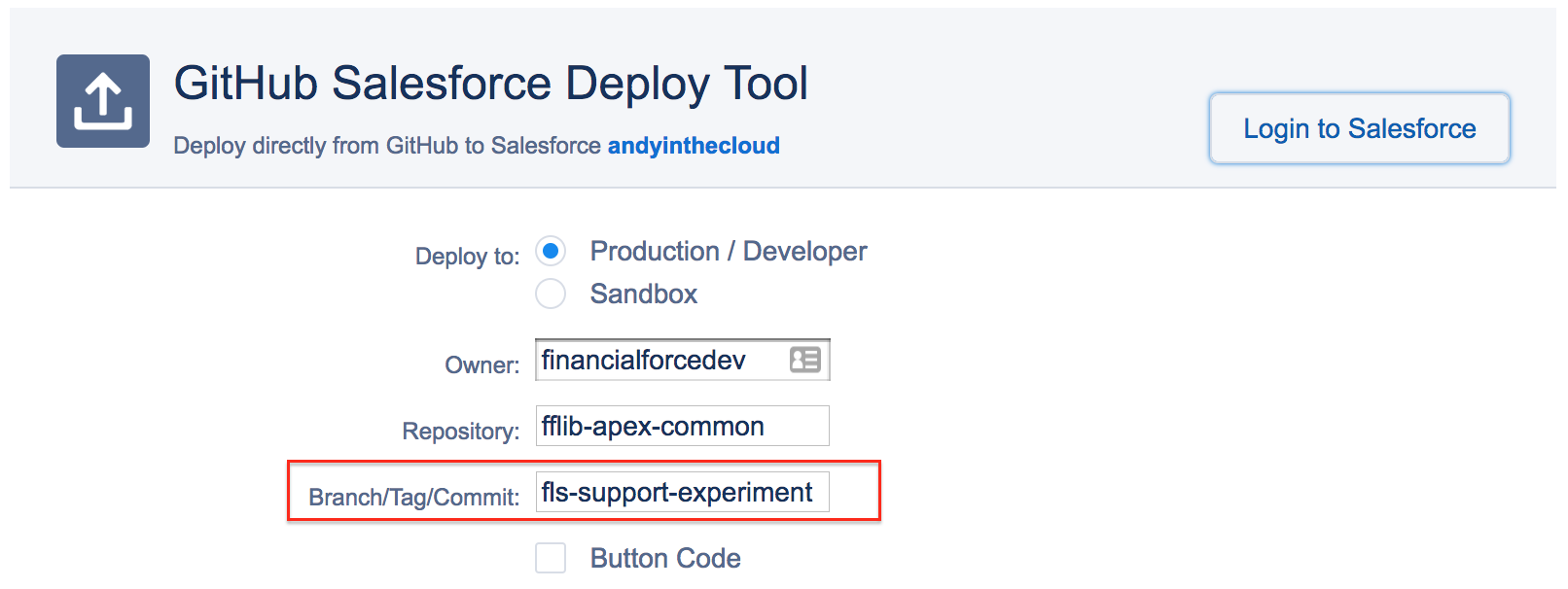
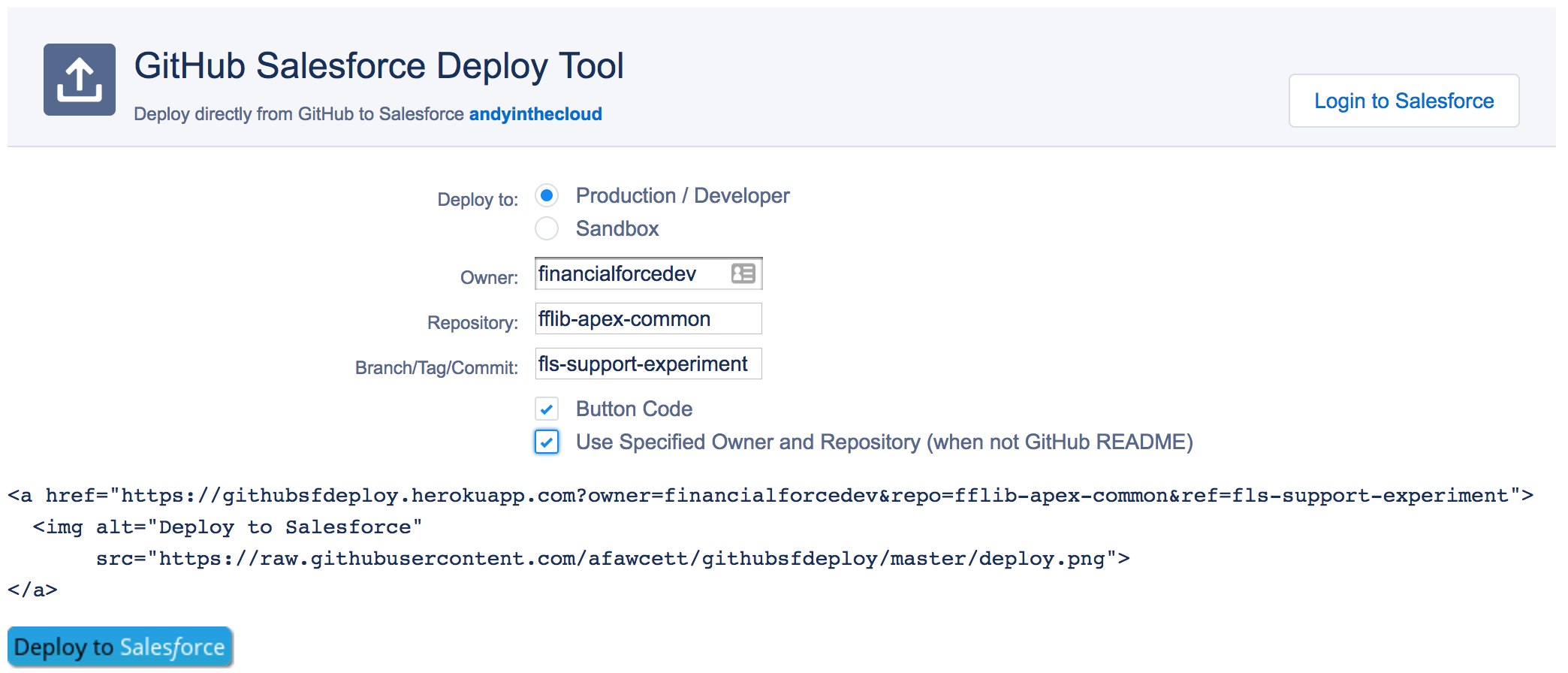
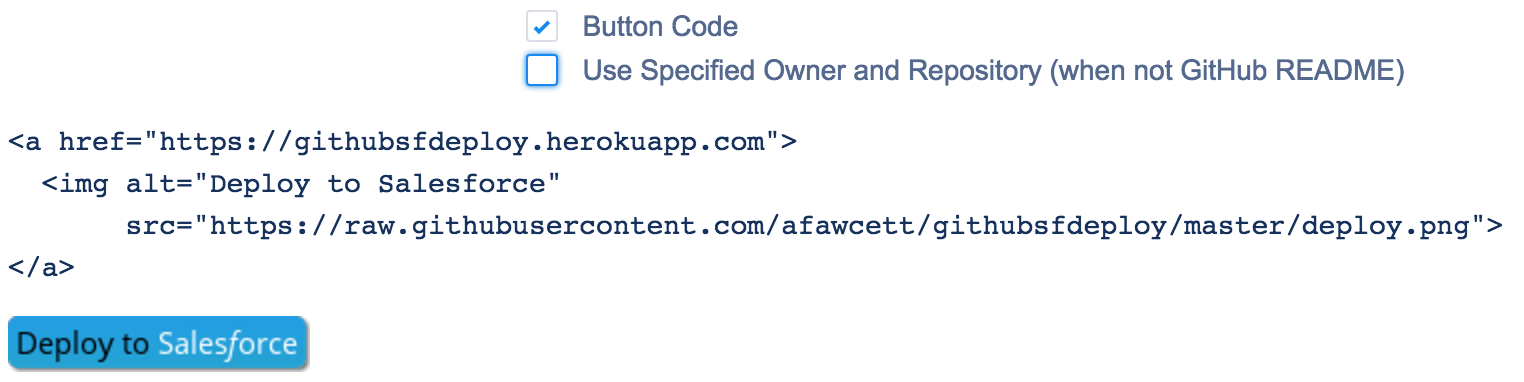
For those not aware, the Salesforce GitHub Deployment Tool allows you to easily add a button to your GitHub repository, enabling others to deploy your latest and greatest library or tool directly to their production or sandbox org. It is built with the Java Spring framework and uses some Salesforce libraries for the API connections. Since Salesforce routinely deprecates its older APIs, an upgrade was in order! Not only that, but I also chose to upgrade its Spring framework, which went largely to plan—apart from one hitch…
Learning: When overriding base class logic be careful
In OOP (object-oriented programming) languages, it’s a convention, of course, to allow overrides of base class methods to facilitate extensibility and reuse. However, with great power comes great responsibility. Consider the code below for a moment, knowing that the base class this class extends is actually from another library being upgraded. Spot anything that could potentially be an issue?

In the above case, once I upgraded the Spring framework, an important new part of the base class initialization was bypassed, resulting in a null pointer exception in the base class logic. It is, of course, perfectly optional when overriding a base class to call the base class logic or not, and this code specifically chose not to. This brings me to reflect on why some languages explicitly require base methods to be flagged as overridable—it’s because sometimes, just because you can, doesn’t mean you should.
The code above is not necessarily wrong; it did what was needed at the time, and my issue was par for the course when upgrading. Clearly, the base class permitted it at the time. It was an easy fix in the end, though it’s something I still want to revisit, as I plan to do more with the Spring library and some of its new AI integration features. The moral of this story, I guess, is to be careful when taking over too much control from a base class you don’t own—if its implementation details change, your assumptions may become invalid. It’s not always easy to avoid, but it’s something to consider.
Whats next?
With my new role, I’ll be doing more coding, writing and sharing so please keep an eye on this blog and of course the Heroku blog. The Heroku team are out and about at various events as well, so please drop by the events page on the Heroku website to check the latest. As for myself, if you are in the London area, I will be attending DevOpsDays London in September.
Andy







 Andy in the Cloud