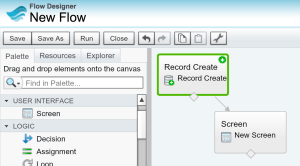
 Having just completed some improvements to the Apex Metadata API to support creating, reading, updating and deleting Flows. I wanted to give it a bit more of test drive than the usual Apex examples i write. So i started wondering if there was something i could do as a developer armed with this API to help with the process of configuring and managing Flows? The following is basic example of updating a Flow to add a Screen Step….
        // Read Flow
        MetadataService.Flow flow =
            (MetadataService.Flow) service.readMetadata('Flow',
                new String[] { 'NewFlow-1' }).getRecords()[0];

        // Add a new step
        MetadataService.FlowScreen flowScreen = new MetadataService.FlowScreen();
        flowScreen.name = 'NewScreen';
        flowScreen.label = 'New Screen';
        flowScreen.locationX = 100;
        flowScreen.locationY = 100;
        flowScreen.allowBack = true;
        flowScreen.allowFinish = true;
        flowScreen.fields = new List<MetadataService.FlowScreenField>();
        flowScreen.fields.add(new MetadataService.FlowScreenField());
        flowScreen.fields[0].name = 'Test_Box';
        flowScreen.fields[0].dataType = 'String';
        flowScreen.fields[0].fieldText = 'Test Box';
        flowScreen.fields[0].fieldType = 'InputField';
        flowScreen.fields[0].isRequired = true;
        flow.screens = new List<MetadataService.FlowScreen> { flowScreen };

        // Link it with the previous one
        flow.recordCreates[0].connector = new MetadataService.FlowConnector();
        flow.recordCreates[0].connector.targetReference = 'NewScreen';

        // Update
        handleSaveResults(service.updateMetadata(new List<MetadataService.Metadata> { flow })[0]);
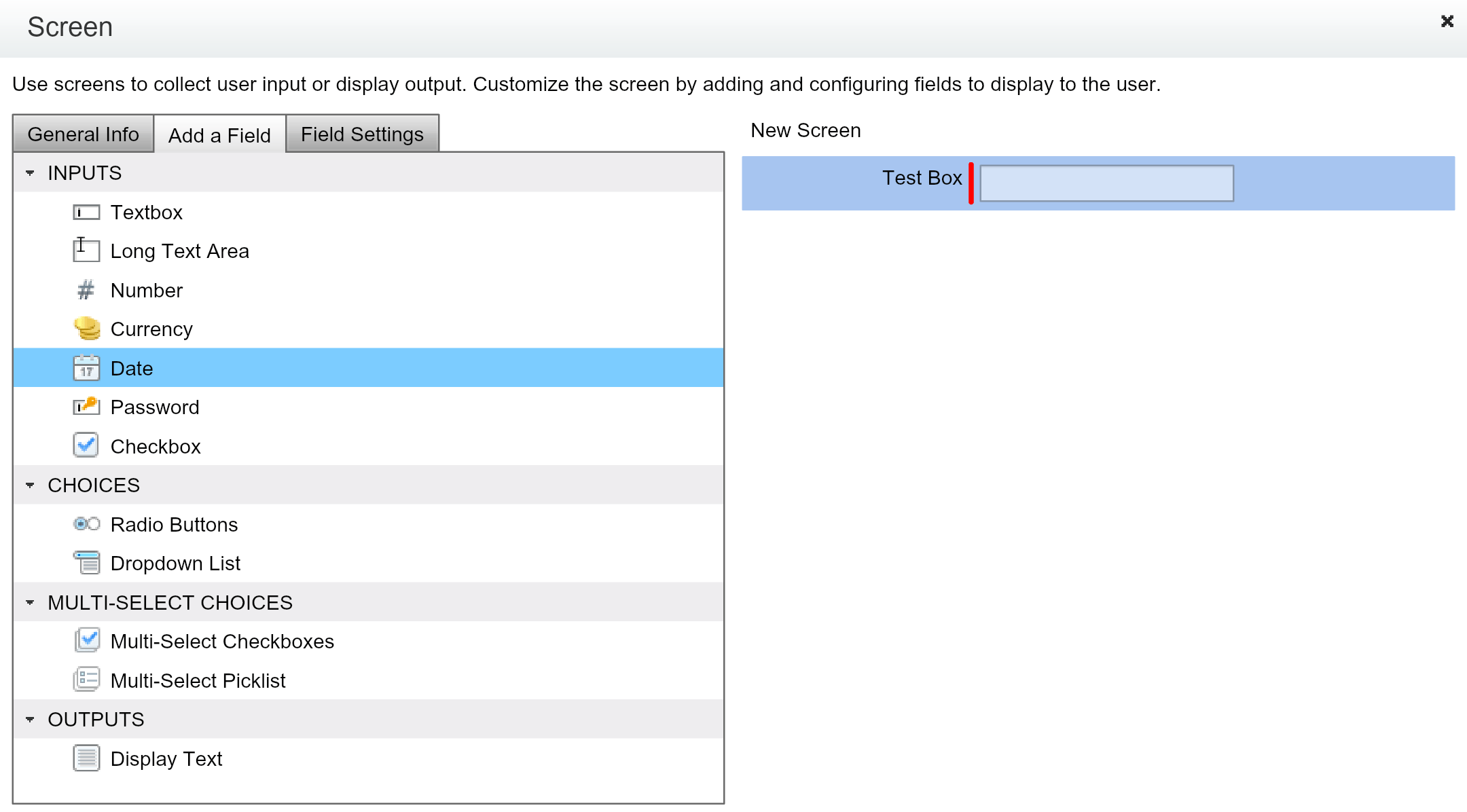
 Doing this manually is a simple matter of dragging a Screen Flow element onto the canvas and configuring it with the type of UI fields you want to see. In scenarios where your step is surfacing fields from objects you can mirror those fields by setting up the Screen element with labels and field types based on the underlying field metadata.
However wouldn’t it be much easier if we could simply state which object fields we want and automatically use their metadata to drive the creation of the fields in the UI. Reusing the labels and selecting the applicable field type. The following code uses the Apex Metadata API with Apex Describe to show how something like this can be done.
    public static void addFields(MetadataService.FlowScreen flowScreen, List<SObjectField> fieldsToAdd) {
        for(SObjectField field : fieldsToAdd) {
            // Construct a FlowScreenField based on the SObjectField metadata
            DescribeFieldResult fieldDescribe = field.getDescribe();

            // Create Screen field
            MetadataService.FlowScreenField flowScreenField = new MetadataService.FlowScreenField();
            flowScreenField.name = fieldDescribe.getName();
            flowScreenField.dataType = FLOWTYPEBYDISPLAYTYPE.get(fieldDescribe.getType());
            flowScreenField.fieldText = fieldDescribe.getLabel();
            flowScreenField.fieldType = 'InputField';
            flowScreenField.isRequired = fieldDescribe.isNillable();
            flowScreenField.helpText = fieldDescribe.getInlineHelpText();
            if(flowScreenField.dataType == 'Number') {
                flowScreenField.scale = fieldDescribe.getScale();
            }

            // Add to Screen field list
            if(flowScreen.fields==null)
                flowScreen.fields = new List<MetadataService.FlowScreenField>();
            flowScreen.fields.add(flowScreenField);
        }
    }
The sample shown at the start of this blog then becomes…
MetadataService.FlowScreen flowScreen = new MetadataService.FlowScreen();
flowScreen.name = 'NewScreen';
flowScreen.label = 'New Screen';
flowScreen.locationX = 100;
flowScreen.locationY = 100;
flowScreen.allowBack = true;
flowScreen.allowFinish = true;
addFields(flowScreen,
   new List<SObjectField> {
      Account.AccountNumber,
      Account.Description,
      Account.Fax,
      Account.IsPartner,
      Account.AnnualRevenue });
This results in the following Screen element being created in the Flow….
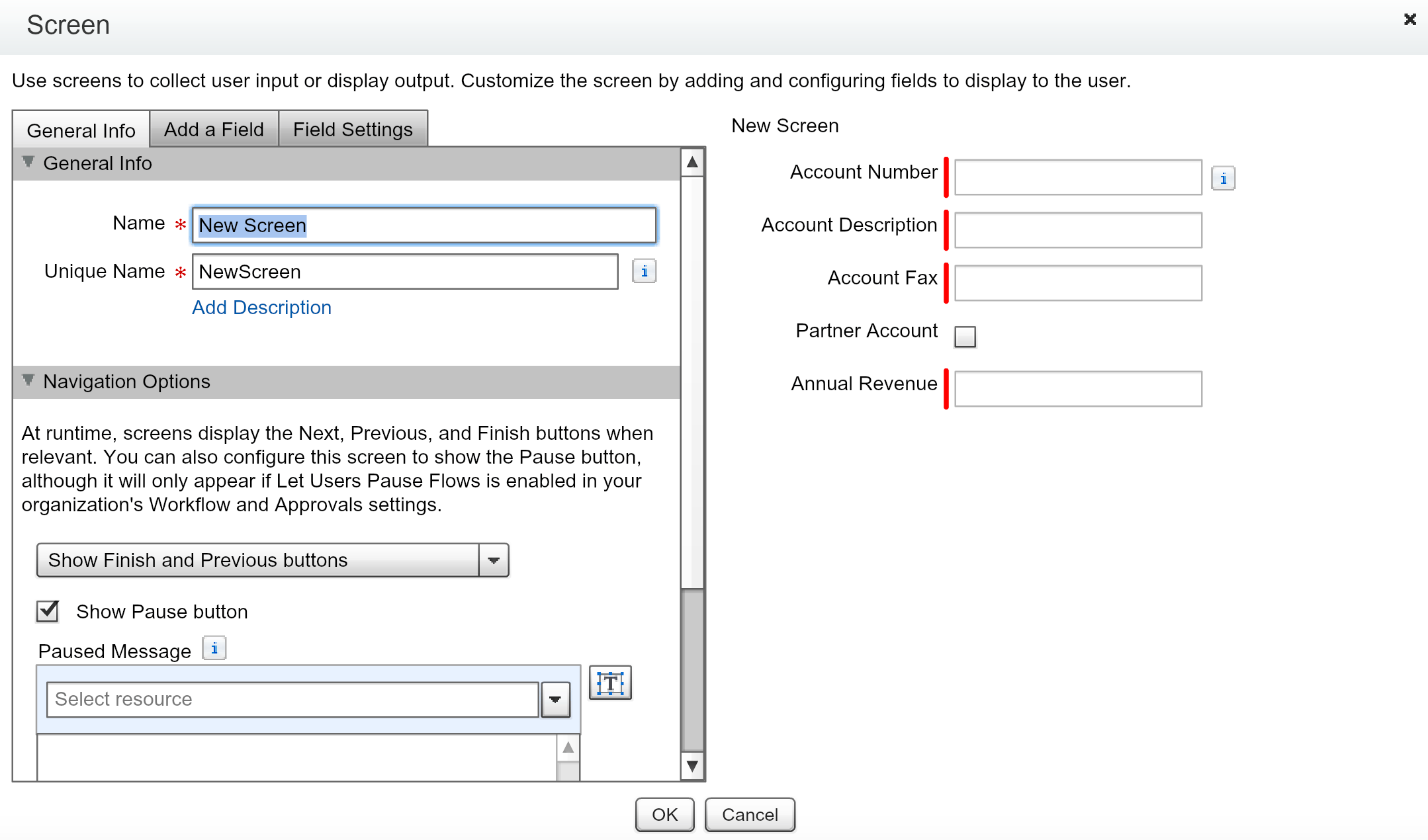
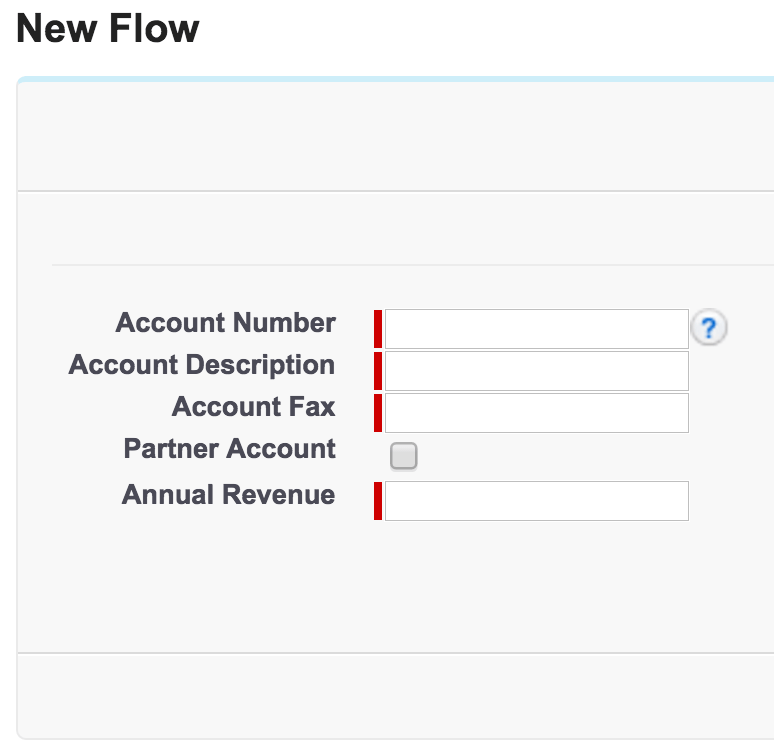
You can see the full code for this example here.
Summary
There is certainly i’m sure a number of other possibilities for dynamically generating or indeed updating Flows, that can now be realised in Apex through the Metadata API. I’m certainly keen to know what people think of the above and any other thoughts like it…
 I have just spent a very enjoyable Saturday morning in my Spring’15 Preview org with a special build of the LittleBits Connector. That leverages the ability for Process Builder to callout to specially annotated Apex code that in turn calls out to the LittleBits Cloud API.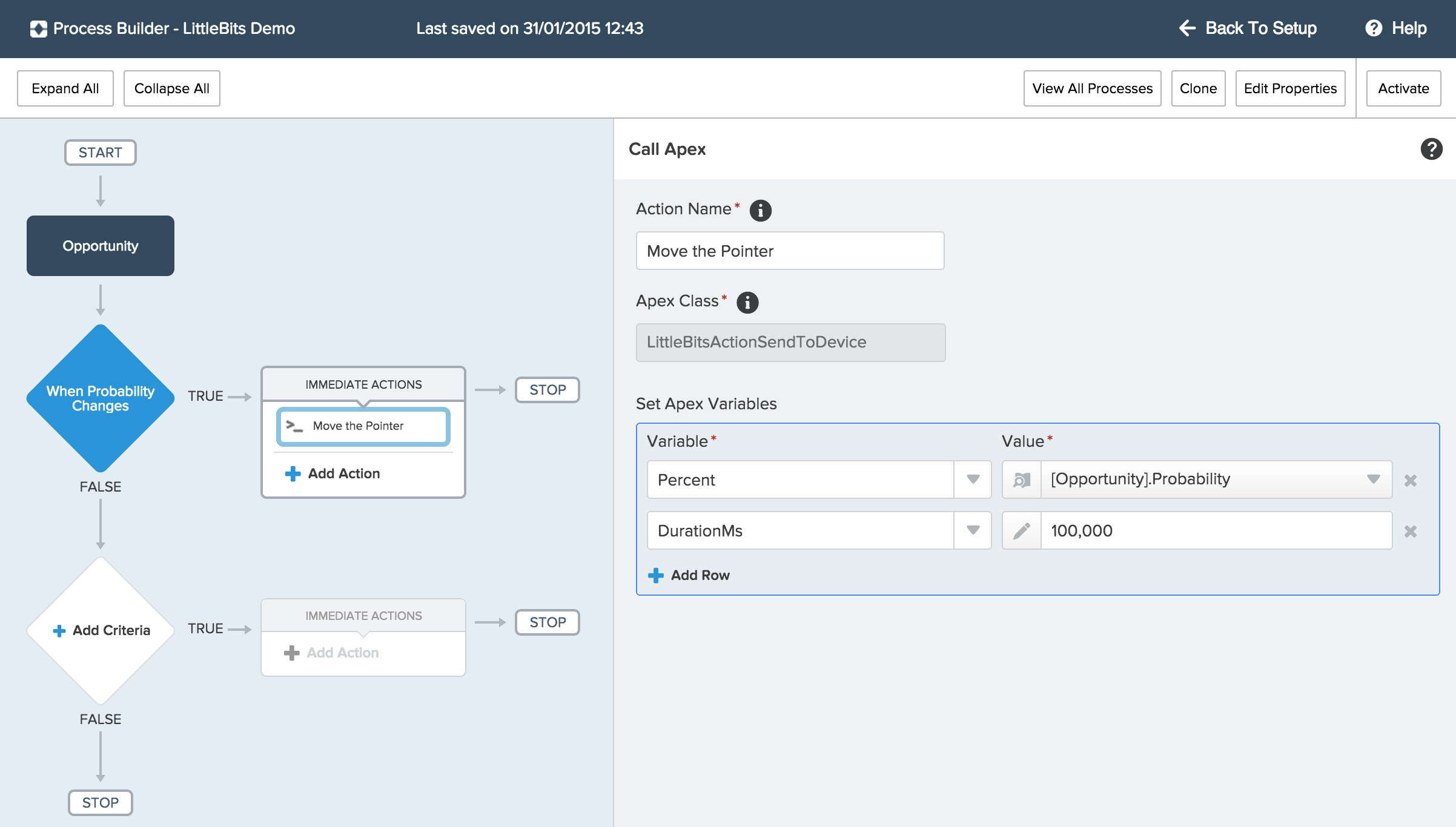

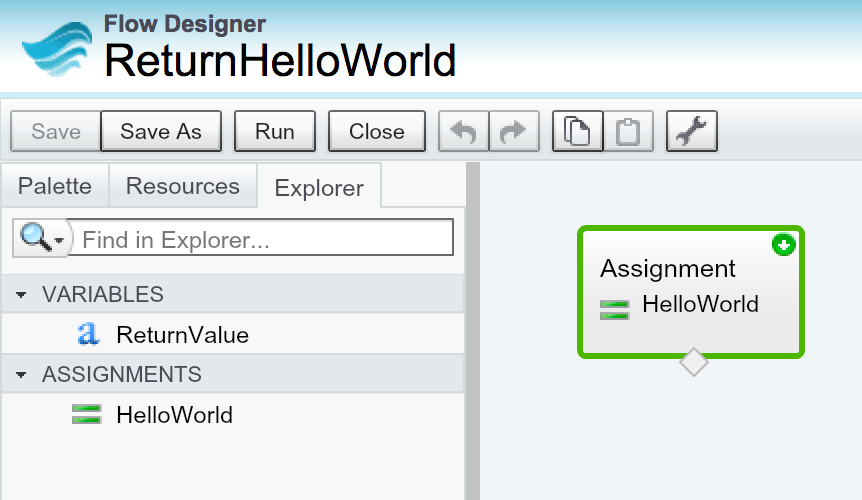
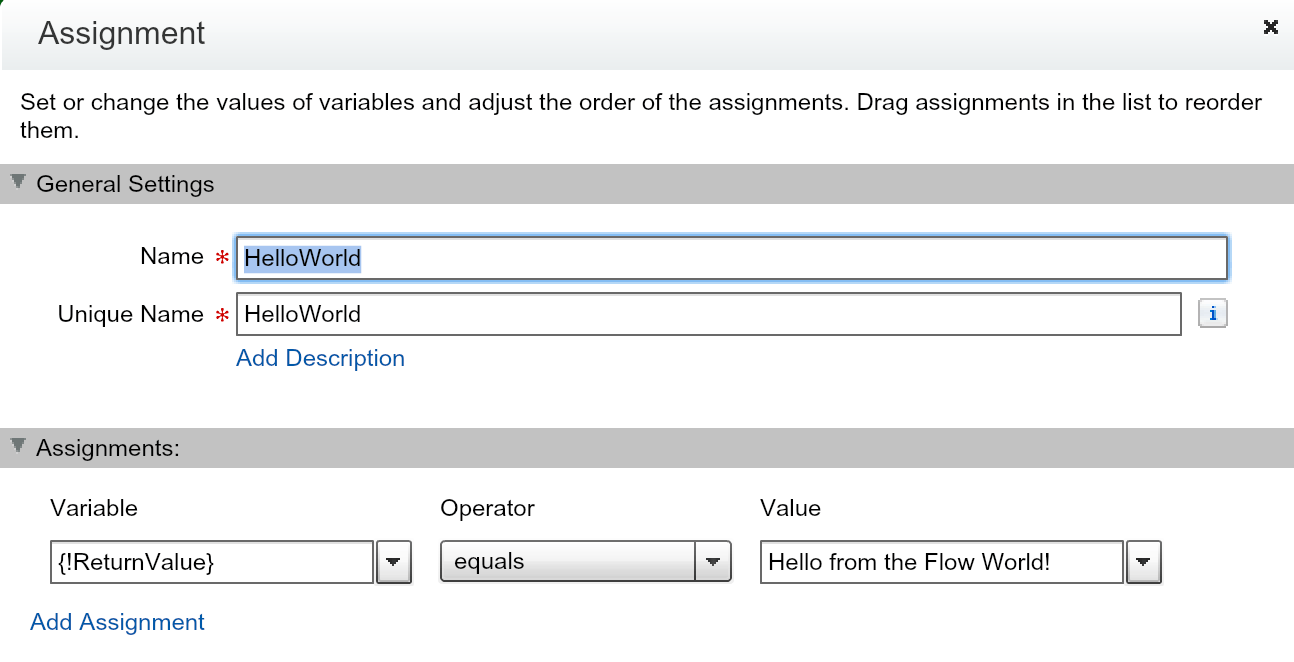
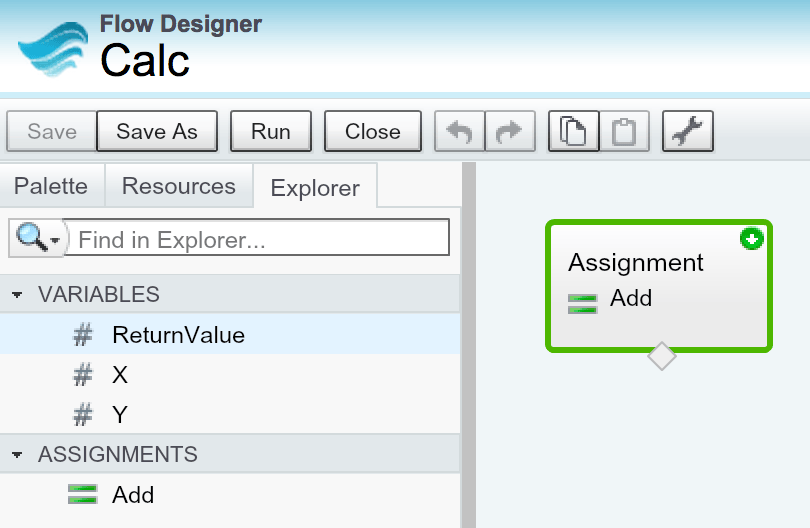
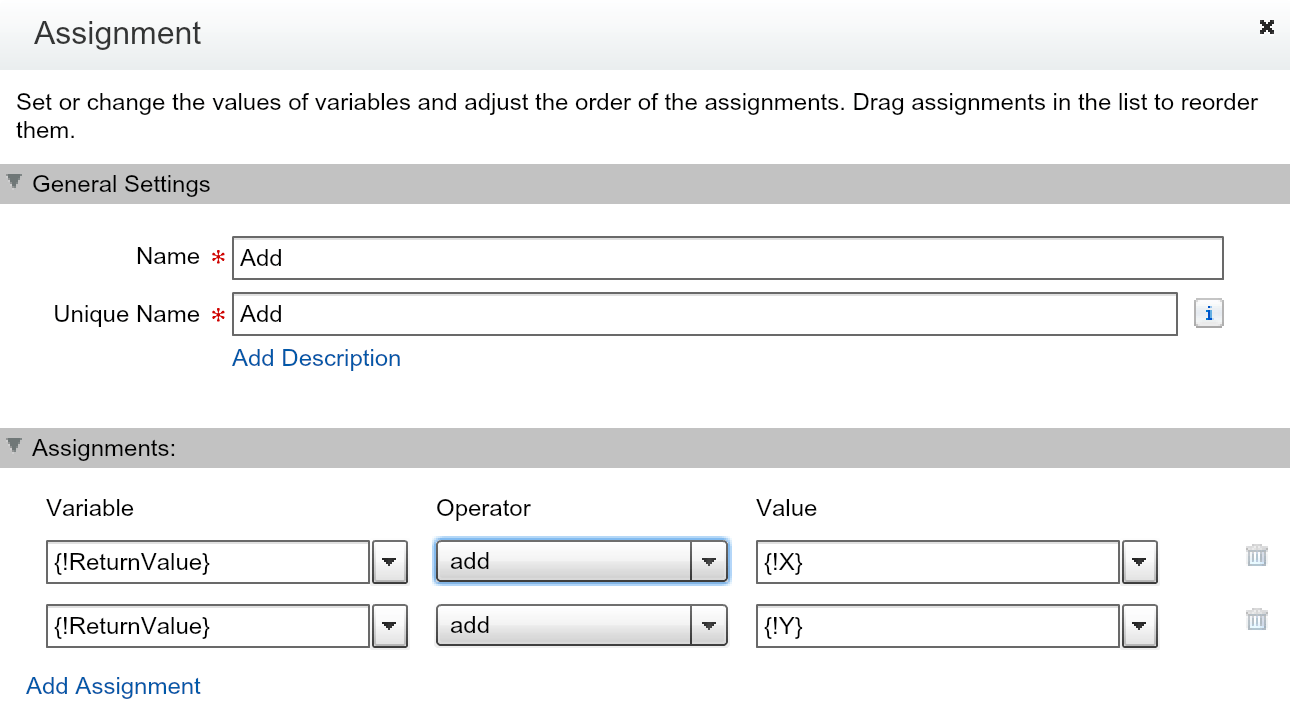
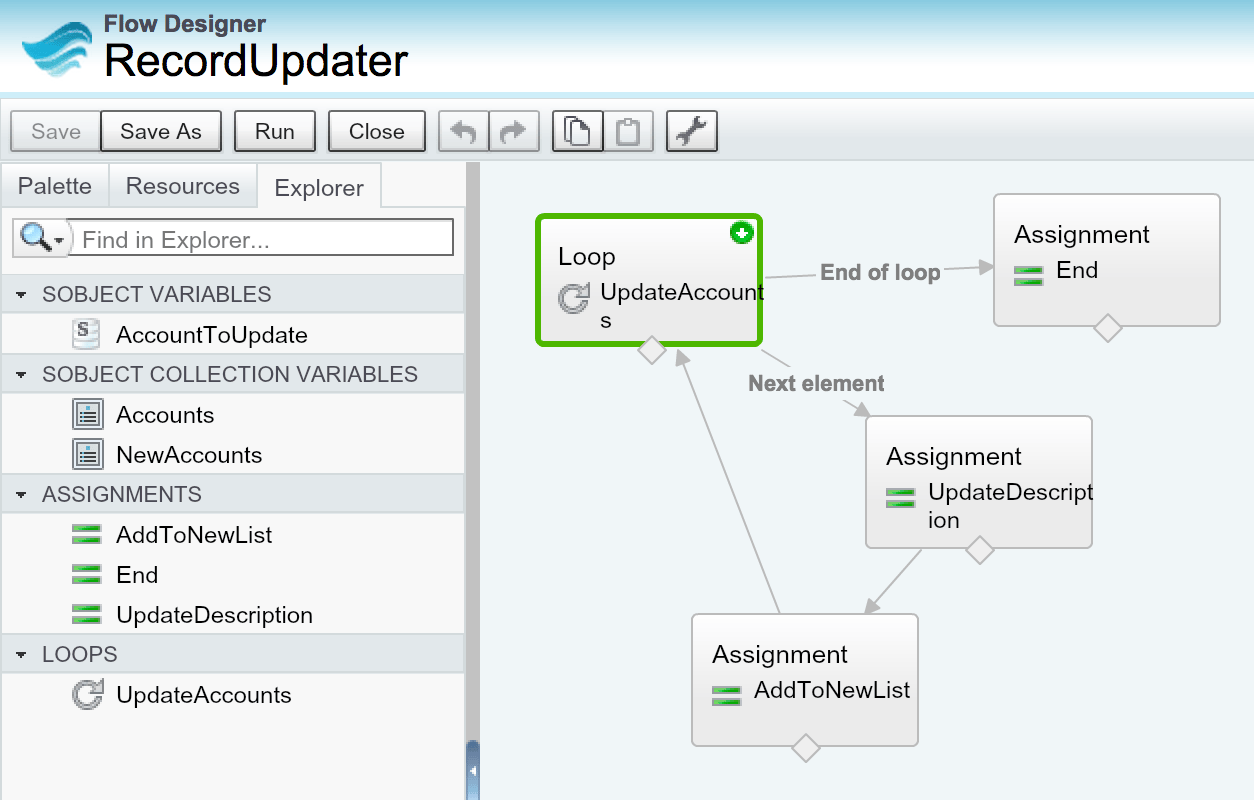
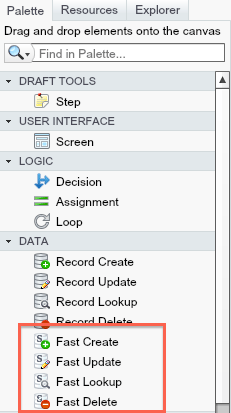
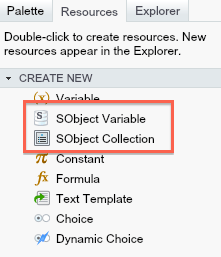
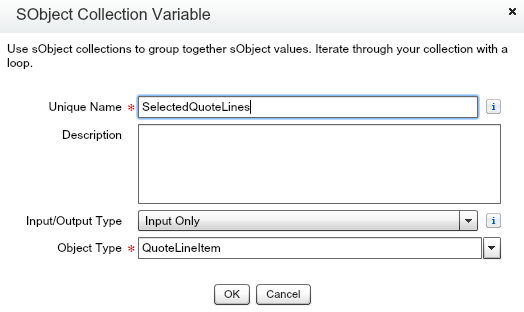
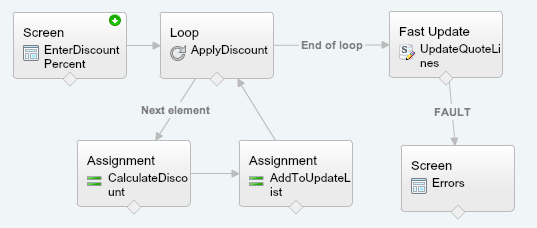
 To illustrate these new features i decide to implement in Flow something i have previously written using Apex code. The following use case is to Apply a user entered discount to selected Quote Line Items from the Related list. The flow will prompt the user for the Discount amount and they apply it, before returning the user back to the Quote detail page.